
9 min readUpdated
Why Scheduling Kills Commercial Cleaning Productivity (2026)
Scheduling is the structural productivity ceiling for commercial cleaning operators. The four-layer AI pattern that compresses supervisor coordination by 60%.

Mike
Founder & AI Automation Lead
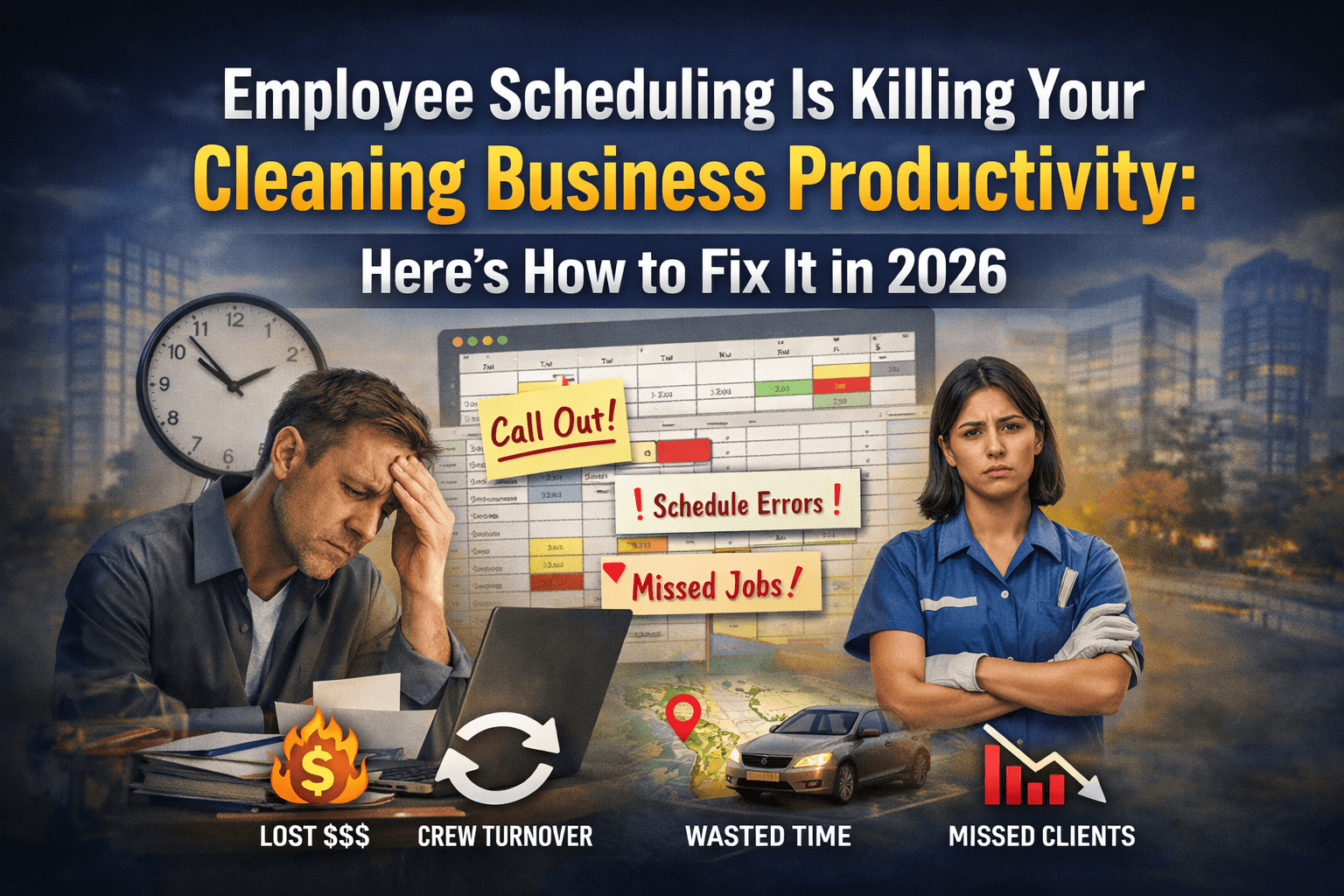
If you run a commercial cleaning operation in 2026, the chart you look at most is not the contract roster. It is the weekly staff schedule. Someone called out for the night shift at the medical building. Two crews are short by one person each. The supervisor is rebuilding the rotation from a spreadsheet at 6:30 pm while taking calls from building managers asking whether tonight's clean is still happening. The customer-facing work the company actually sells is being staffed by an over-stretched coordinator solving a logistics puzzle that resets every shift. Scheduling is the productivity ceiling most cleaning operators do not see until it is too late.
This post lays out why scheduling is the structural productivity killer for commercial cleaning operators in 2026, the four ways the chaos compounds into revenue loss, the AI-assisted scheduling pattern that compresses the coordinator workload by 60% or more, and the 30-day implementation we run at facility services clients when scheduling chaos is the visible constraint.
Key takeaways
- Scheduling chaos in commercial cleaning compounds into four hidden costs: overtime, undertime, supervisor burnout, and missed contractual coverage. Most operators only see one of the four directly.
- The AI scheduling pattern that works: predictive staff-availability modeling, automated rotation generation, real-time callout backfill, and audit trail of every staffing change.
- Bolt AI onto your existing workforce management or scheduling tool (When I Work, Sling, Connecteam, Deputy, Swept, Janitorial Manager). Replacing systems to get AI scheduling rarely pays back.
- The leading indicator of working scheduling automation is supervisor hours per week on coordination. Good builds cut this from 25-35 hours to 8-12 hours without degrading coverage.
Why scheduling is the productivity ceiling for cleaning operators
Commercial cleaning operations are built around three structural realities that make scheduling unusually hard. First, the workforce is part-time, often with multiple jobs, with high turnover and short-notice callouts. Second, the customer contracts are time-windowed (clean must happen between specific hours, at specific frequency, at specific buildings). Third, the supervisors who handle the scheduling are the same supervisors who handle client relationships, vendor coordination, and quality control. Adding any layer of scheduling friction directly steals supervisor capacity from the other three functions.
The default scheduling tool for most mid-market cleaning operators is a spreadsheet. The default callout-response process is a phone call to the supervisor, who then texts the people on the substitute list one at a time. The default audit trail is a Slack channel or a shared notepad. None of these scale past a certain crew count, and the scaling failure produces the operational pain that operators interpret as growth pain rather than as scheduling-tool pain. Adjacent service-business analysis documents the same pattern.
The honest framing: operators above 30-50 staff cannot scale headcount without scaling the coordination layer underneath it. Most operators try to scale headcount first, hit the coordination ceiling, and conclude they have a hiring problem. They have a scheduling problem.
The four hidden costs that compound from scheduling chaos
1. Overtime. Callouts produce reactive backfilling. The supervisor calls the first available person, who is often already at or near their weekly hours. Overtime accrues across the month at rates that materially eat margin in an industry already running on thin margins.
2. Undertime. Some staff who want hours are not getting them because the coordinator's mental model of who is available defaults to the same few people. Others who have capacity quietly leave for competitors who can offer steadier hours.
3. Supervisor burnout. The coordination work is the worst part of the supervisor's job. When it expands to 25-35 hours a week, the supervisor either burns out and leaves or stops doing the parts of the job (quality checks, client visits, vendor management) that actually drive contract retention.
4. Missed contractual coverage. Some shifts get skipped entirely because the backfill chain failed. The building manager notices. Contract risk accrues quietly until renewal time when the contract does not renew.
Each cost is invisible on the monthly P&L because none of them show up as a single line item. The combined effect across a 75-staff operation typically runs 8-15% of revenue.
The AI scheduling pattern that compresses the coordinator workload
The architecture that works for cleaning operators with 30-500 staff in 2026 is a four-layer build on top of the existing scheduling tool.
Layer 1: predictive availability modeling. The AI ingests the historical schedule, callout patterns, and stated availability for every staff member, and predicts who is realistically available for each upcoming shift. Operators who run this layer alone typically cut callout-driven backfill time by 40-50% because the AI already pre-identified the substitute pool.
Layer 2: automated rotation generation. Weekly schedule generation against contract requirements, individual availability, weekly hour caps, and quality-of-life rules (no back-to-back closing-opening shifts, fair distribution of premium hours). The supervisor reviews and approves rather than building from scratch. AI workflow automation engagements at cleaning operators typically compress weekly schedule build time from 12-18 hours to under 2 hours.
Layer 3: real-time callout backfill. When a callout comes in, the AI immediately texts the predicted-available substitutes in priority order. The first to accept gets the shift; the supervisor sees the resolution rather than handling the chain manually.
Layer 4: audit trail. Every schedule change, every callout, every substitute acceptance is logged. When a building manager asks why coverage was different on a particular night, the operator produces the record in seconds.
The four layers together replace the spreadsheet-and-phone-call status quo with a coordinated workflow. Customer service automation engagements at adjacent service businesses use the same architectural pattern for similar coordination workloads.
What 2026 data shows on scheduling in service industries
- Industry analysis on communication and contract retention: coordination failures drive most of the operational pain across service industries, and scheduling chaos is the largest single coordination failure category. Source.
- Salesforce on AI in customer service: the AI features delivering durable value sit at the procedural-coordination layer. Cleaning scheduling fits this layer cleanly. Source.
- Forrester on chatbot business case: AI deployments lacking documented baselines fail at renewal. Scheduling automation must ship with measured supervisor-hours-on-coordination and overtime-rate baselines. Source.
- Kustomer on AI triage: the triage discipline that routes complex cases to humans applies to scheduling too. Disputes between staff over hours, accommodation requests, and special schedule needs go to the supervisor, not the AI. Source.
- McKinsey 2025 State of AI: value capture concentrates in operators who rewire workflows around AI rather than bolting AI onto unchanged manual processes. Scheduling fits the rewire pattern well. Report PDF.
- Gartner April 2026: AI projects across IT and operations stall ahead of meaningful ROI without baseline discipline. Scheduling AI without measured baselines fits the same failure pattern. Source.
- RAND on AI deployment risk: misalignment between capability and business problem is the consistent failure root cause. Scheduling AI fits well when scoped to procedural shift management; misaligns when asked to make staffing-policy decisions. Source.
- BCG 2024 on GenAI bottom-line impact: operating-model change rather than tool selection drives the ROI delta. Cleaning operators rewiring the scheduling workflow capture more value than ones treating AI as a feature flag. Source.
The 30-day implementation shape we run at Hexa
At Hexa AI Agency we run the same shape when a cleaning operator asks us to address the scheduling ceiling. Across the engagements we have shipped, the operators that compressed coordination overhead followed this order.
Week 1: lock the baseline. Pull 90 days of schedule, callout, and overtime data from the existing workforce-management tool. Measure four numbers: supervisor hours per week on scheduling, weekly overtime rate, callout-resolution time, and missed-coverage incidents per month. Document the attribution formula.
Week 2: build the predictive availability and rotation layer. Configure the AI for the operator's contract list, staff availability data, weekly hour caps, and quality-of-life rules. Pilot on one supervisor's portfolio first. The supervisor reviews the AI-generated schedule rather than building it from scratch.
Week 3: launch real-time callout backfill. Connect the AI to the staff communication channel (typically SMS or app-based push). When a callout arrives, the AI texts the predicted-available substitutes. Watch resolution time, overtime accrual, and missed-coverage rate in parallel.
Week 4: measure and decide. If supervisor hours dropped at least 50% on coordination, overtime fell 15%+, and missed-coverage incidents trended toward zero, roll the pattern across all supervisors. If staff sentiment dropped (always survey), the assignment fairness or notification timing needs adjustment.
Budget realistically. A cleaning-focused scheduling AI build lands in the $8K-$20K range one-time, plus $400-$1,000 per month for the AI usage on top of your existing scheduling tool subscription.
Frequently asked questions
Will AI scheduling replace my coordinator or supervisor?
No. The AI absorbs the procedural coordination work (predictive availability, rotation generation, callout backfill, audit trail). The supervisor's role shifts toward higher-value work: client relationship visits, quality audits, staff coaching, and the exceptions the AI cannot resolve. Headcount usually stays flat; supervisor capacity for high-value work expands materially.
How much does cleaning scheduling automation cost in 2026?
$8,000-$20,000 one-time for an integrated build on top of your existing scheduling tool, plus $400-$1,000 per month for the AI usage. The cost compares favorably against the supervisor overtime, missed-coverage churn, and turnover costs the scheduling chaos generates.
What if my crew uses paper schedules or no schedule tool at all?
Move to a scheduling tool first. AI on top of paper schedules cannot work because the AI has no data layer to operate on. The first investment is the workforce-management software; the AI layer goes on top once that data exists.
When is scheduling automation the wrong investment?
When the operation is small (under 25 staff) and the supervisor can hold scheduling discipline manually, when callouts are rare, or when the supervisor's actual constraint is client-relationship time rather than scheduling time. Audit which constraint is actually binding before deploying.
If you are evaluating a cleaning scheduling automation build and want a second opinion on the scope, book a call at cal.com/hexaiagency and we will read the proposal with you, free. We do this often for operators combining scheduling automation with AI agent development on the client-communication side, where the same staff and contract data powers both workflows from a single build.
The closing operational reality. Operators who fix scheduling first usually find that the rest of the operation moves forward on its own once the coordination ceiling is lifted. Supervisors recover hours; client visits become more frequent; quality audits actually happen; staff turnover drops because schedules are predictable. The downstream effects compound across quarters in ways the original ROI calculation rarely captures. Scheduling is the single highest-leverage AI investment for most commercial cleaning operators above 50 staff because everything else the operator wants to fix sits behind the scheduling bottleneck.
Scheduling is a good example of the wider rule for automation: hand the repetitive, reversible parts to software and keep a person on the calls that carry real downside. We lay out that boundary in when to automate a task and when to keep a human.
The second closing note. Operators who delay scheduling automation often do so because the existing supervisor team has heroic stories about how they hold the schedule together through sheer effort. The heroism is real; it is also exactly the operational ceiling that keeps the business from scaling. Honoring the supervisor's effort means relieving them of the coordination workload so they can spend their time on the work only they can do, not asking them to absorb more of the work the AI can absorb better.